USB webcams
Meetings, streaming, video capture
Connect UVC cameras, borescopes, microscopes, and capture cards directly to your Android or HarmonyOS device. Plug and play without vendor drivers, with live preview, photos, and video recording.
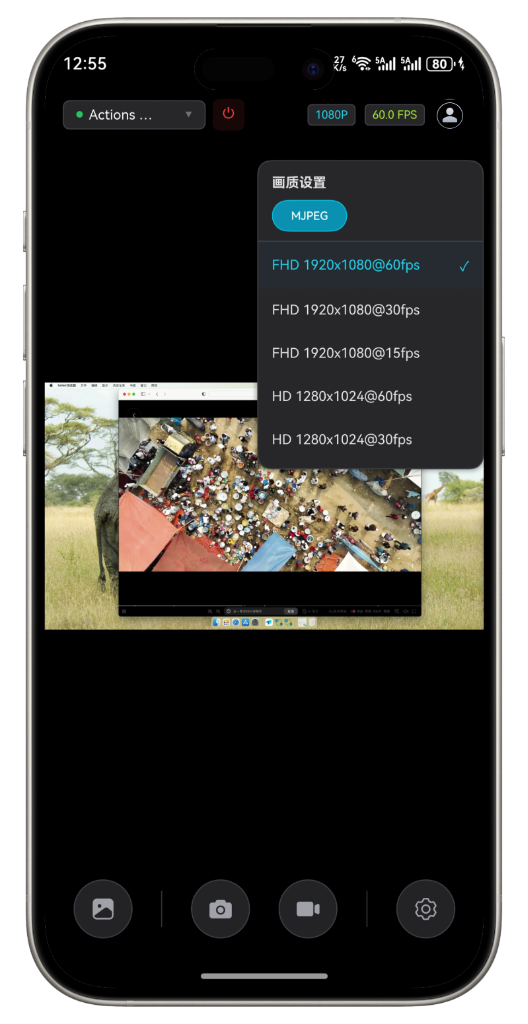
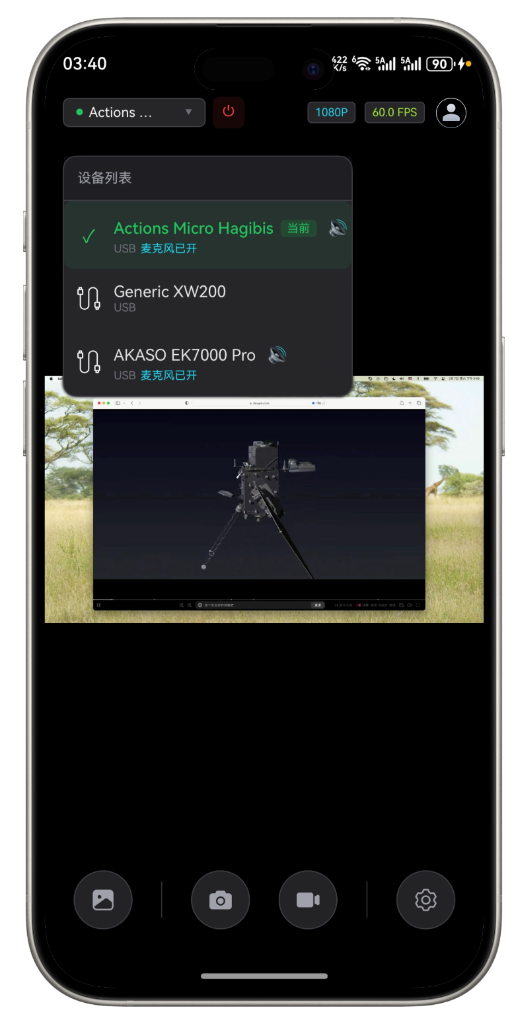
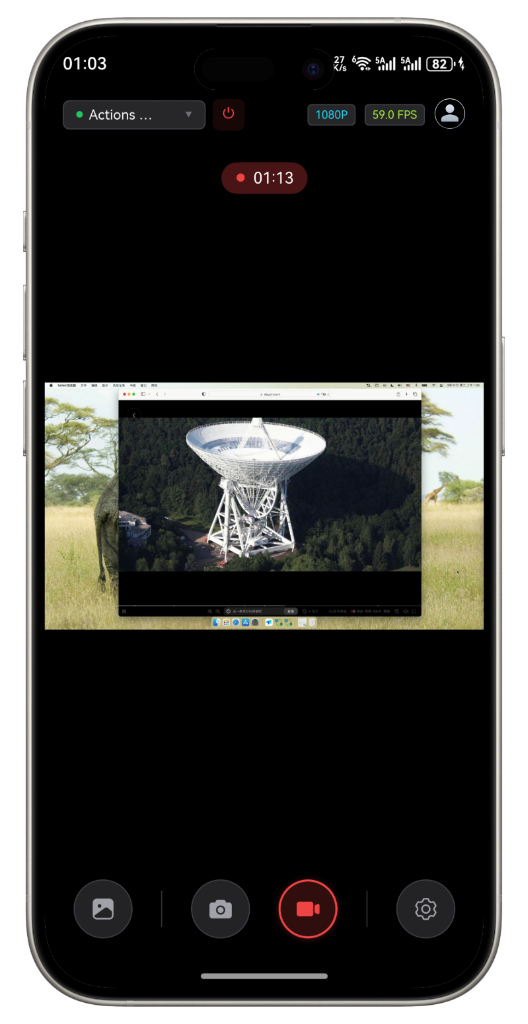
Connect standard UVC devices to Android or HarmonyOS over OTG. No vendor driver or root access required.
Meetings, streaming, video capture
Pipe, automotive and equipment inspection
Soldering, observation and education
Cameras, consoles and set-top boxes
Live viewing for RC equipment
Production, inspection and preview
* Available resolution and frame rate depend on camera output, USB bandwidth and power. Use a powered OTG hub for high-power devices.
Engineered for performance, built for simplicity. Whether you are debugging electronics, streaming live events, or setting up a rugged dashcam.
Instantly recognize external USB cameras without the need for root access or complicated drivers.
Unlock stunning resolutions up to 4K. Stream perfectly clear video with full control over frame rates.
Optimized rendering pipeline ensuring seamless, lag-free performance critical for monitoring and FPV.
Works with endoscopes, microscopes, capture cards, and standard webcams smoothly.
Answers about device protocols, OTG, power and app features.
Confirm that your Android or HarmonyOS device supports OTG, connect a standard UVC camera with an adapter, open USB CamWizard and allow USB access.
No vendor driver or root access is required. The app uses the USB and UVC capabilities provided by the operating system.
Standard UVC webcams, borescopes, microscopes, HDMI capture cards and some industrial cameras are supported. Compatibility also depends on OTG, USB bandwidth and power.
Check that the device uses UVC, OTG is enabled and the adapter works. Use a powered OTG hub for devices that require more power.
Yes. You can preview the live feed, take photos and record video. Available resolution and frame rate depend on the camera and device performance.
Use the Android or HarmonyOS download button on this page and choose the version that matches your device.